

Admin Console Overview
The admin console is a Vue 3 single-page app served by the proxy itself — open http://localhost:8080 (or your proxy's URL) in a browser. This page is a tour of every screen; each configuration screen is documented in its own page.
Signing in
| Situation | What you see |
|---|---|
| No account exists yet | Create Admin Account (/setup) — the username is yours to choose; the account is created with the admin role |
| Normal sign-in | Sign in to LLM Proxy (/login) |
| Admin created your account, or reset your password | Set a New Password (/force-change-password) — every other screen is blocked until you change it |
Passwords must be 8–72 characters with at least one uppercase letter, one lowercase letter, one digit, and one special character. Failed logins are throttled per IP; account lockout is available but off by default (see Server Settings).
Two different credentials
Your console login (JWT session) works only on /api/* endpoints. When the Chat and Images playgrounds call /v1/*, they use a short-lived session API key that is created at sign-in. Real client traffic uses the API keys you create in API Keys — see API Keys.
What each role can do
| Capability | admin | viewer |
|---|---|---|
| Usage dashboard | Everything | Only their own usage |
| Logs | All rows, Audit Logs tab, integrity verification | Only their own rows |
| Models screen | Model management | Read-only catalog |
| Providers, MCP Servers, Team | Full control | Hidden (403 on the API) |
| API keys | Own keys, all fields | Own keys, but no MCP allowlist and no rate limit |
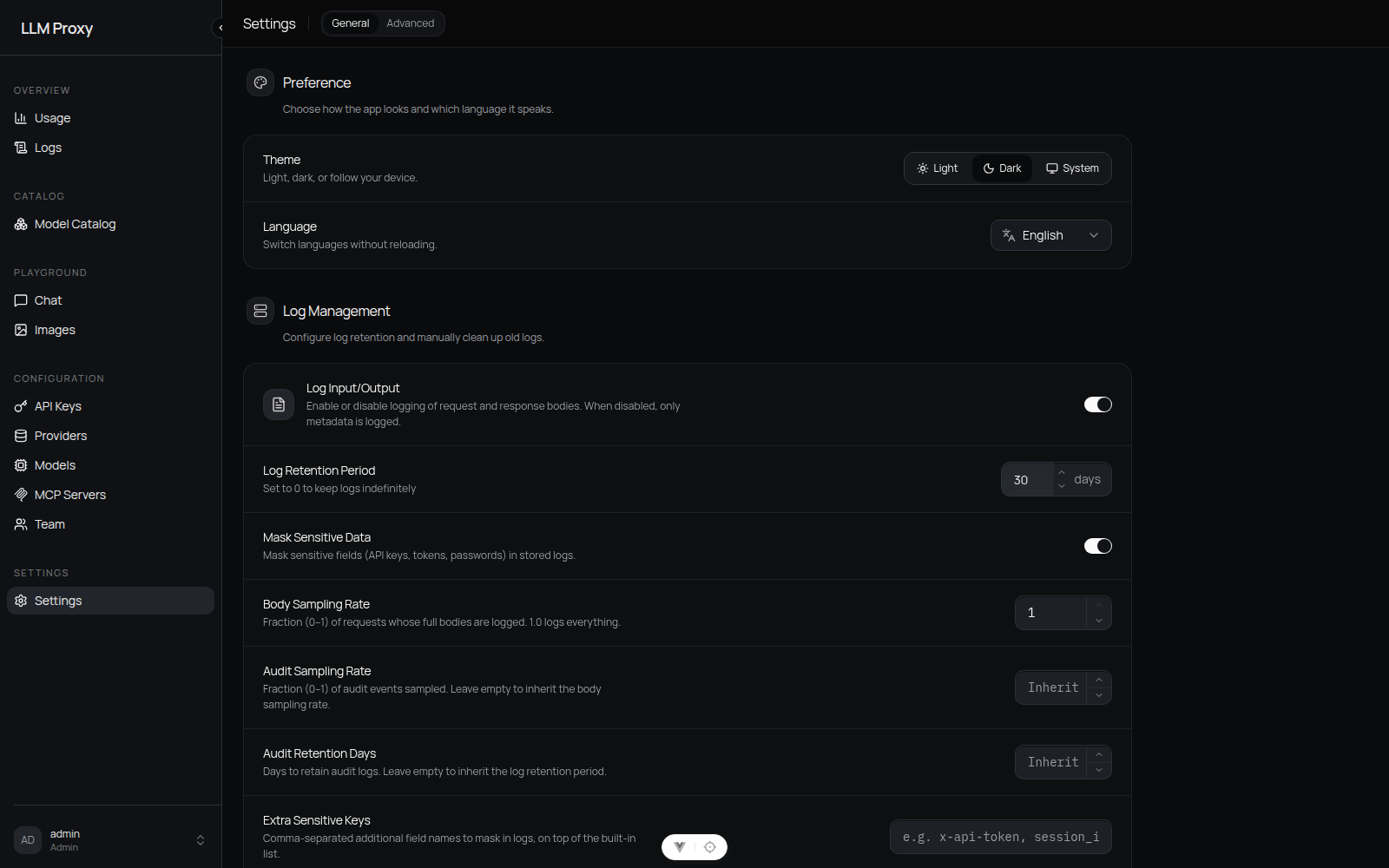
| Settings | All sections | Preference and Tracing only |
| Playgrounds (Chat, Images) | Yes | Yes |
Navigation map
| Screen | What you do there |
|---|---|
Usage (/) | Spend, tokens, success rate, TTFT/latency, throughput, cache savings; trends and provider/model breakdowns |
Logs (/logs) | Inspect individual requests, audit trail, MCP calls, and web-search calls |
Models (/models) | Model mappings, capability flags, context sizes, pricing, metadata/pricing sync |
Providers (/config/providers) | Add and edit upstream providers, API keys, base URLs, custom headers, endpoint overrides |
API Keys (/config/api-keys) | Create and manage keys for your clients: budgets, limits, allowlists, expiry |
MCP Servers (/config/mcp-servers) | Attach MCP servers (stdio or HTTP) and expose their tools to models |
Team (/team) | Create members, assign roles, per-user model allowlists and account budgets |
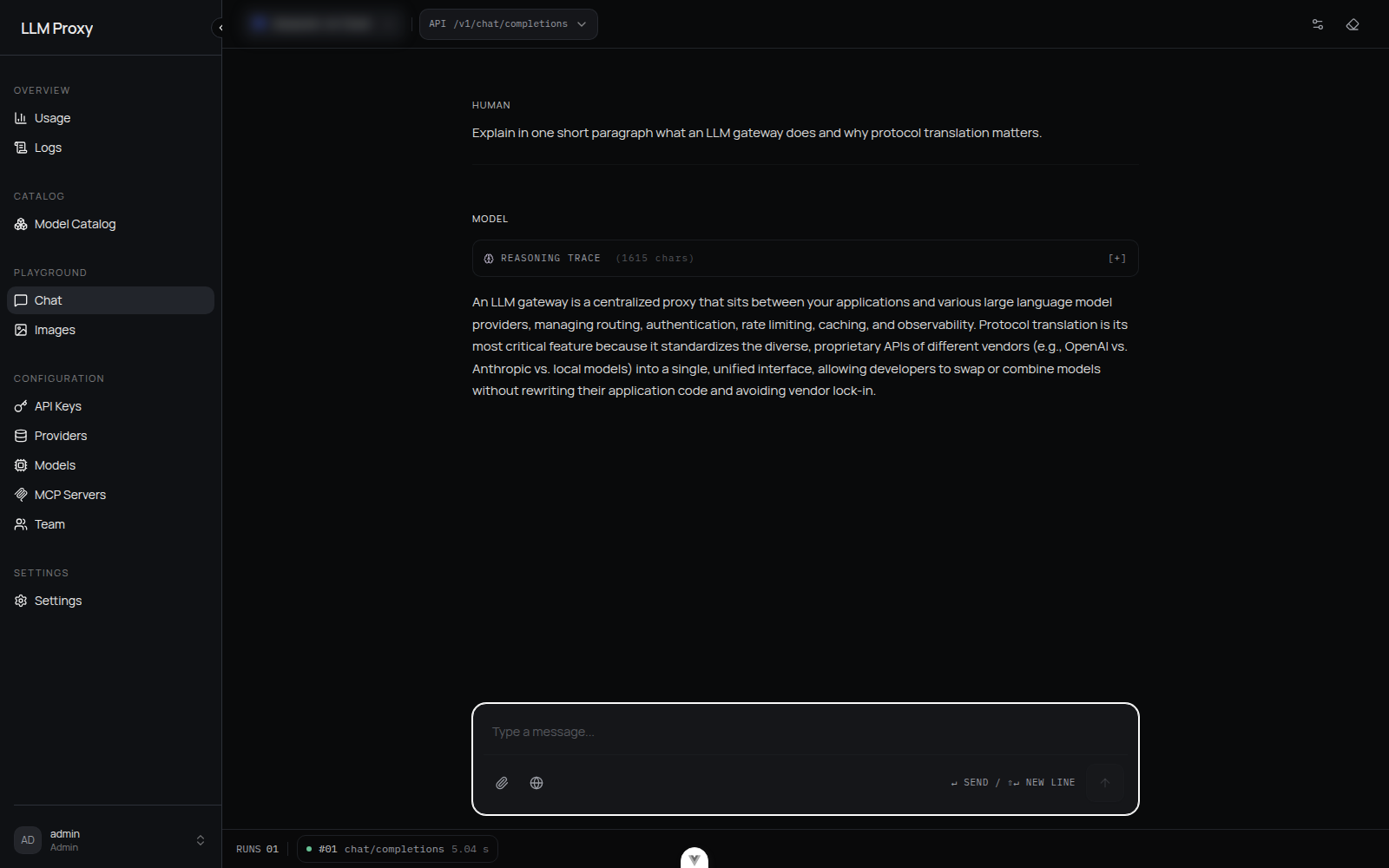
Chat (/chat) | Playground: test any model with streaming, tools, vision, and reasoning |
Images (/images) | Playground: image generation and edits |
Settings (/config/settings) | Theme and language, logging, web search, tracing, and all server-wide policy sections |
| About (Settings → General) | Version and update check |
Logs tabs
| Tab | Contents |
|---|---|
| Proxy Logs | One row per request: timestamp, key/user, model, provider, status, TTFT, duration, tokens, cost |
| Audit Logs | Admin operations and security events, with Verify Integrity (hash-chain check) — admin only |
| MCP Calls | MCP server, operation, resource, status, duration |
| Web Search | Query, provider, result count, status, duration |
Configuration changes are hot-reloaded
Everything you change on the Providers, Models, API Keys, MCP, Team, and Settings screens is written to the database and applied immediately. There is no restart step — the only settings that require a restart are the environment variables set at startup.
Destructive actions
Deleting an API key, provider, MCP server, model, or team member is permanent. Log cleanup in Settings → Log Management permanently deletes log rows older than the chosen age. The console asks for confirmation before each of these.
Ready to configure? Start with Providers, then Models & Pricing, then API Keys.